Notifications
The Notifications page keeps you informed about important activity on your FMAX account.
You can receive updates when actions on the platform are completed, making it easy to monitor your activity without constantly checking the Dashboard.
Viewing notifications
Section titled “Viewing notifications”Open Notifications from the left navigation menu to view recent account activity.
Notifications may include events such as:
- Follow batch completed
- Order updates
- Other important account activity
Notification preferences
Section titled “Notification preferences”You can choose how you would like to receive notifications in your settings page.
Available options include:
- Email notifications
- Push notifications
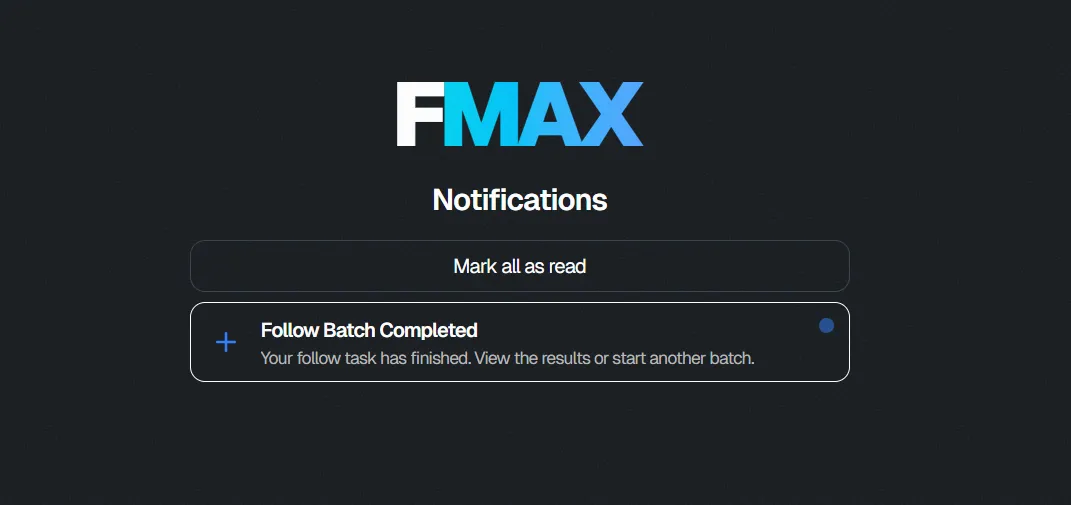
Example notification
Section titled “Example notification”When enabled, FMAX can notify you when a task has completed.
For example, after a follower batch finishes, you’ll receive a notification letting you know the batch is complete so you can review the results or begin another batch.
You can choose to receive notifications by email or as push notifications, depending on your notification preferences.
Managing notifications
Section titled “Managing notifications”You can mark notifications as read after reviewing them.
We recommend enabling notifications so you’re informed whenever important account activity occurs.