
Tracking Orders
After placing a follower order, you can monitor its progress from your FMAX dashboard.
The Dashboard gives you a central place to view your purchases and keep track of your active orders.
How to track an order
Section titled “How to track an order”- Sign in to your FMAX account.
- Open FMAX Dashboard from the navigation menu.
- Make sure the correct X handle is saved to your dashboard.
- Find the follower order you want to monitor on the right.
- Review the available order information and delivery progress.
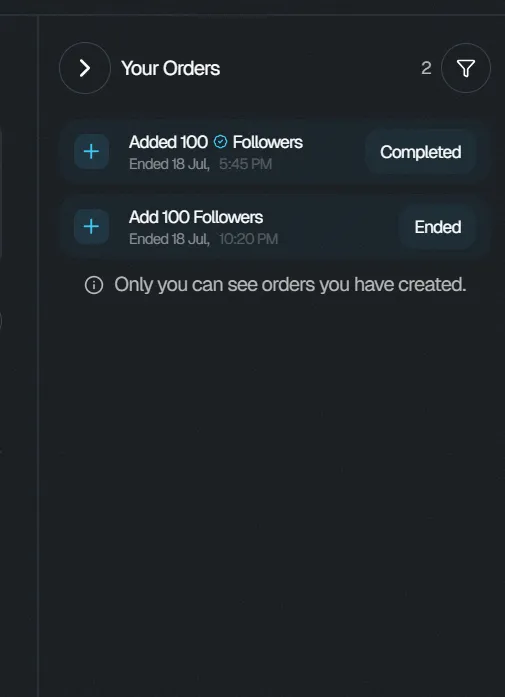
Multiple follower orders
Section titled “Multiple follower orders”You can have multiple follower orders running at the same time.
Each order can have its own:
- Number of followers
- Follower type
- Delivery rate
Use the Dashboard to keep track of your active orders.
Delivery progress
Section titled “Delivery progress”Followers are delivered according to the delivery rate selected when the order was placed.
For example, an order configured for gradual delivery will continue delivering followers over the selected period rather than completing all at once.
Need help with an order?
Section titled “Need help with an order?”If an order is not progressing as expected or you need assistance, contact the FMAX support team using the support widget available on the platform.